

SimuRC Pro (Early Access)
29,00€
Simu-RC Pro software licence
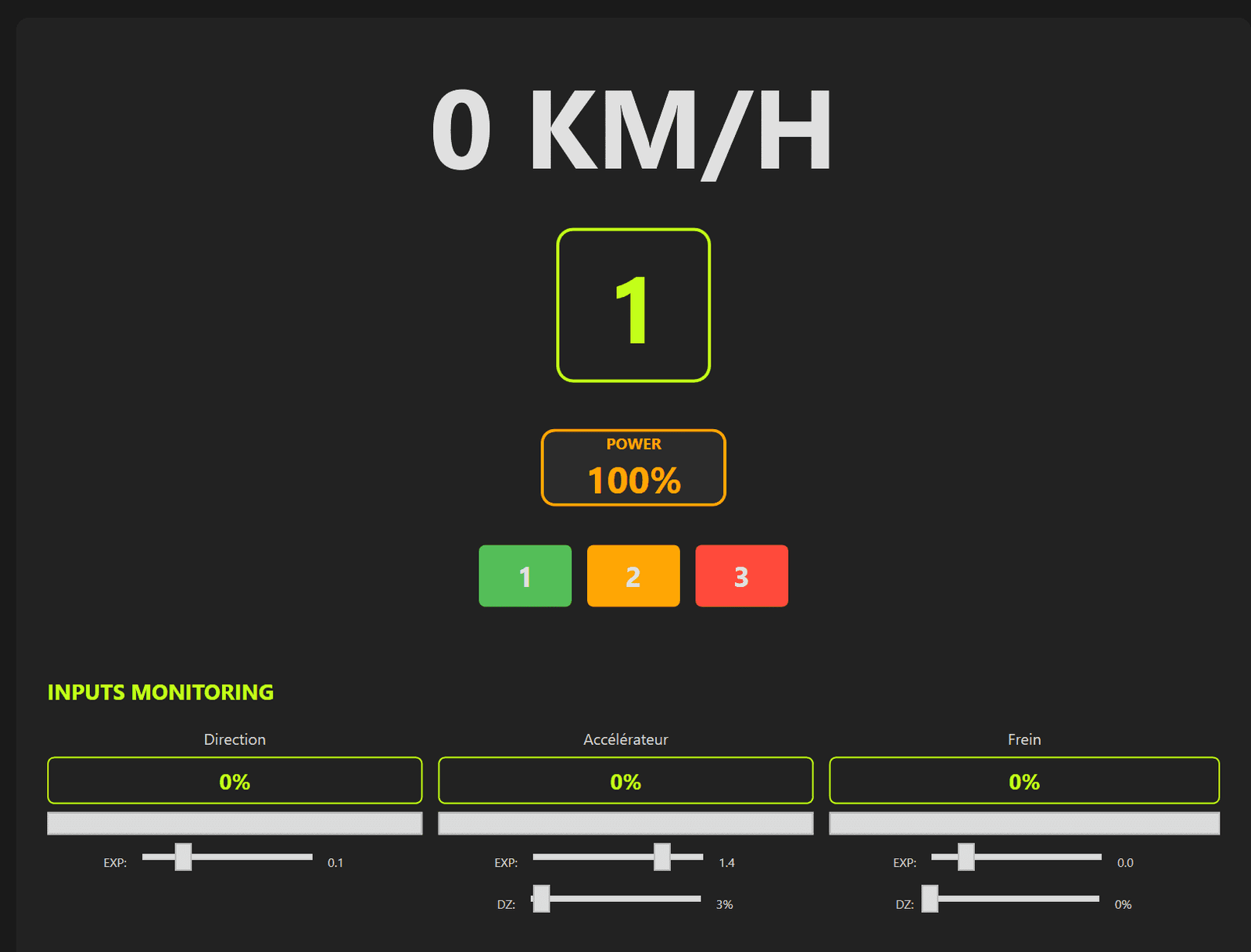
Drive RC cars from your simulator (FPV)
https://hsimracing.com/portal-racers/
You will receive a personnal licence key unique for 3 activations (3 PC or 3 times if you upgrade your PC)
Many languages :

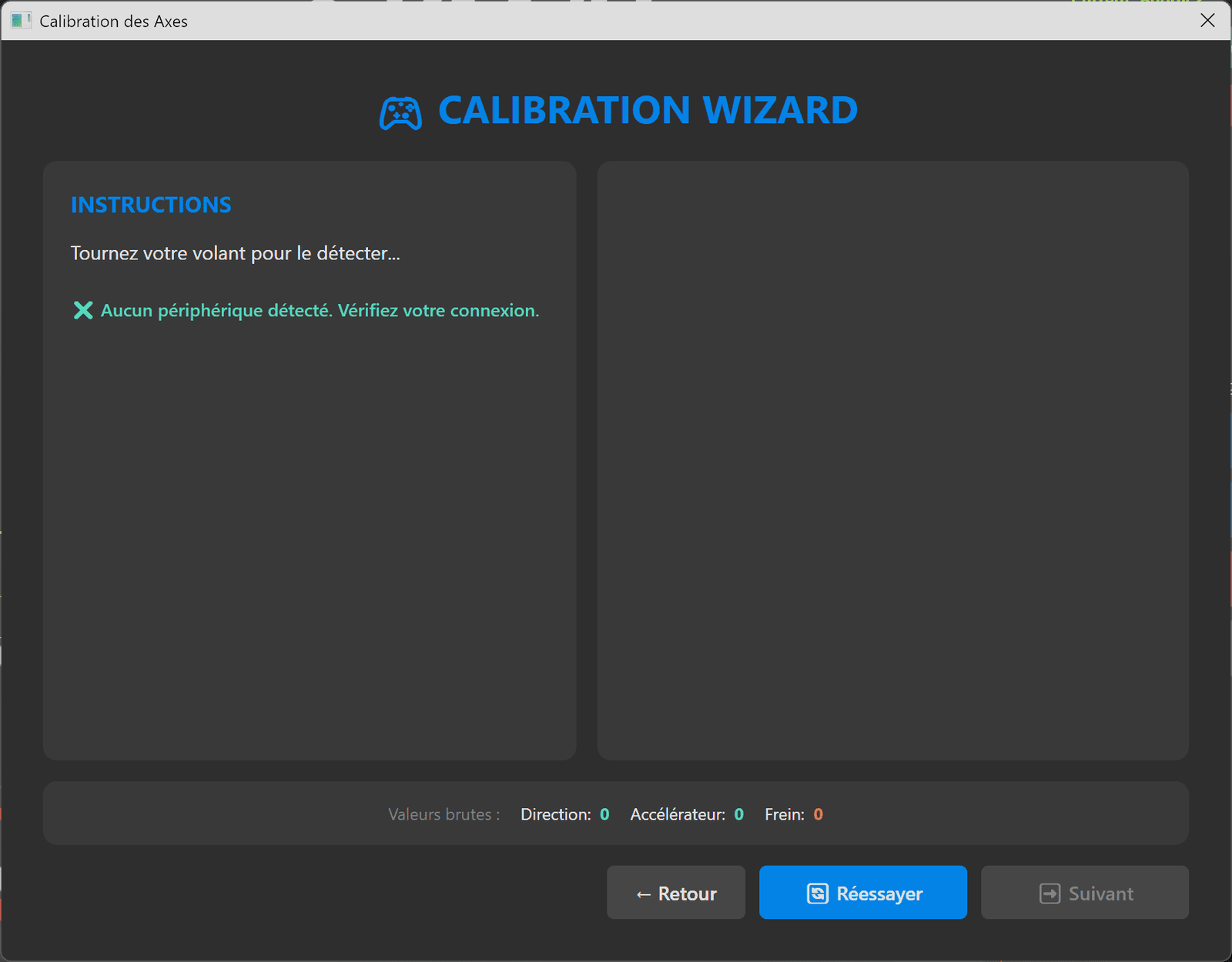
Simple connection :

Inputs Tweaks in live with FFB on any wheel !!
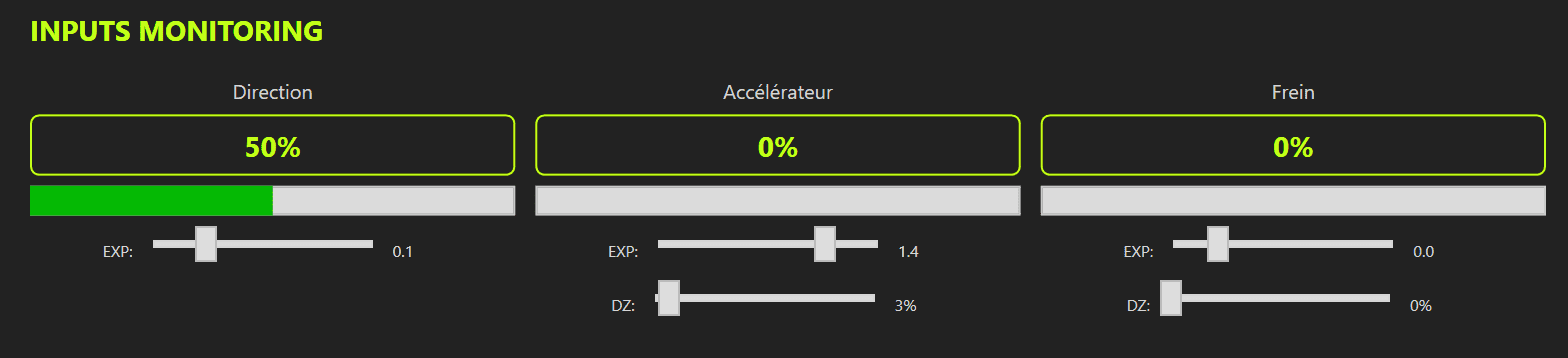
+ live monitor overlay
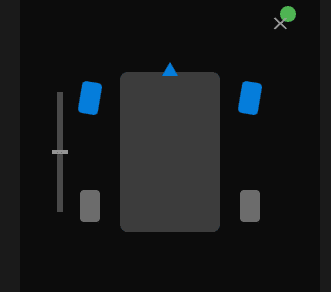
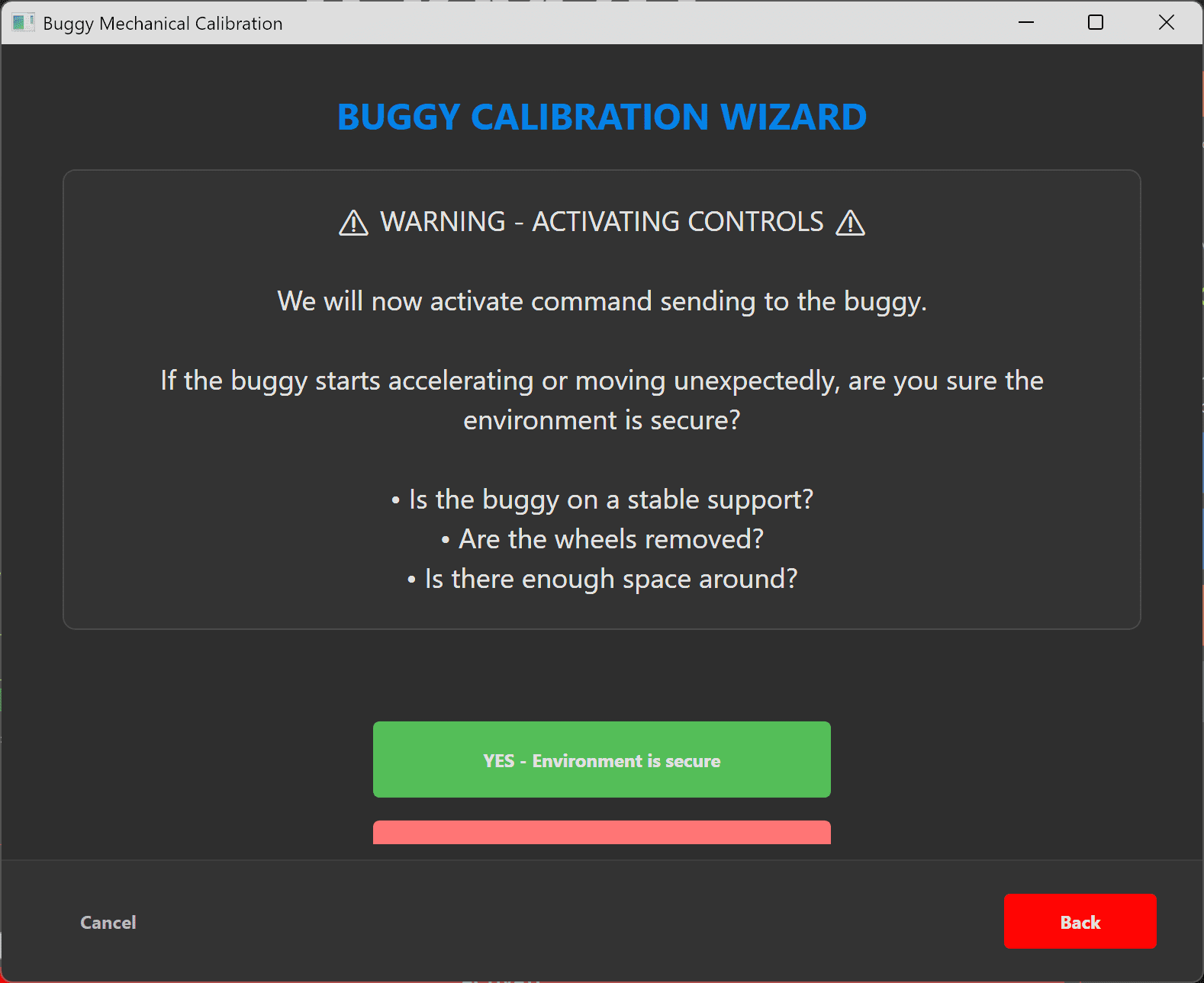
+ Instant security on GAZ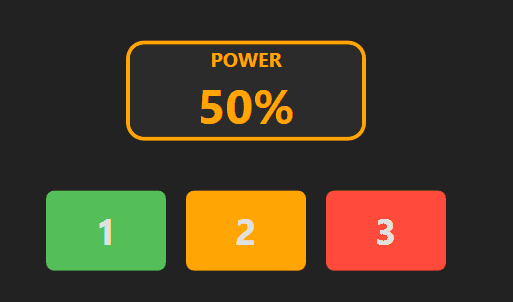
+ 3 RC cars profiles in memory
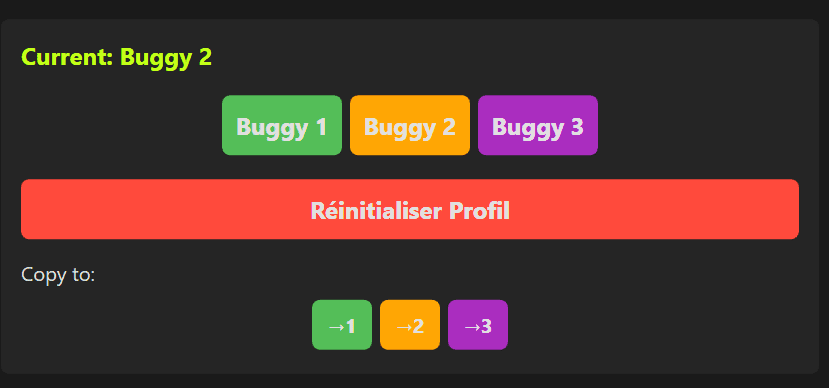
+ Simhub conection to get feedback with our UltraWind products
DOCUMENTATION
Wiring
Use the labels printed on the PCB as a reference.
ELSR → RP2040
Black wire → GND
Red wire → 5V
White wire → 4 (5th pin)
RP2040 Flashing Procedure
Download the firmware from:
https://hsimracing.com/uart_bridge-uf2/
Extract the archive and locate the file uart_bridge.uf2
Connect the RP2040 to your computer via USB
Copy the uart_bridge.uf2 file to the newly mounted USB drive (appears like a USB flash drive)
 The RP2040 will reboot automatically.
The firmware is now installed and the device is ready to use 
ELRS System Pairing (TX & RX)
Overview
In an ExpressLRS (ELRS) system, the transmitter (TX) and receiver (RX) must be paired using the same binding passphrase.
The pairing procedure is identical for both TX and RX.
Important Notes
TX and RX form one single radio system and must share the exact same binding passphrase.
Due to their small size, RX modules have limited Wi-Fi antenna performance.
➜ Keep the RX very close to the phone or computer used for configuration.
Wi-Fi Hotspot mode is always available:
If no radio link is established shortly after power-up, the device will automatically switch to Wi-Fi Hotspot mode, even if it is already configured.
Power Requirements
RX Power Supply (RC Car)
The RX is powered by the RC car’s motor controller (ESC).
Power is provided by the BEC output via the standard 3-wire servo cable controlling:
Throttle
Braking
No external power supply is required for the RX as long as the ESC/BEC is active.
 Ensure the ESC is powered and providing BEC voltage before attempting pairing or connection.
Safety Warning (RC Car Power)
When powering the RC car to supply the RX, the motor may activate unexpectedly.
Always remove the wheels from the RC car before applying power, or ensure the vehicle is securely lifted off the ground.
This prevents accidental movement, injury, or damage during configuration and testing.
TX Power Supply
The TX must be powered via its USB port.
Recommended power supply:
5 V / 3 A USB charger
Why this matters:
In long-range mode (up to 1 W RF output), the TX requires significant power.
An underpowered USB supply may cause:
Voltage drops or brownouts
Reduced RF output power
Unstable operation
 Note:
Note:
For configuration and short-range testing, a lower-power USB supply may be sufficient.
The TX automatically adjusts its RF output power based on link conditions.
Pairing Procedure
1. Power the Device
Power either the TX or the RX.
If no radio link is established after a short delay, the device will enter Wi-Fi Hotspot mode automatically.
2. Connect to the ELRS Wi-Fi Network
On your phone or computer, connect to the ELRS Wi-Fi network.
Wi-Fi password: expresslrs
Reference images:
RX hotspot example:
https://www.expresslrs.org/assets/images/WifiHotspot.png
TX hotspot example:
https://www.expresslrs.org/assets/images/WifiHotspotTX.png
3. Open the Configuration Page
Open a web browser and navigate to:
http://10.0.0.1/
4. Set the Binding Phrase
Enter a binding passphrase.
Use the exact same passphrase on both TX and RX.
Click Save Configuration.
5. Repeat for the Second Device
Perform the same steps on the other device (TX or RX).
Verify that the passphrase is strictly identical.
Automatic Pairing
Once both devices are configured:
TX and RX will automatically bind when powered on within the same time window.
No manual pairing is required.
Power-Up Timing (Critical)
If the RX (RC car) is powered on too early, it may switch to Wi-Fi Hotspot mode before the TX is active.
While in hotspot mode, the RX will not respond to the transmitter.
Recovery procedure:
Power off the RC car (RX)
Power it back on while the TX is already powered on
Best practice:
Power TX and RX within less than 60 seconds of each other.
Recommended Startup Sequence
Launch the control software.
Prepare the connection.
Power on the RC car exactly when clicking “Connect”.
Ensure the TX is already powered on or powered on immediately after.
This sequence prevents unintended hotspot activation and ensures a stable ELRS radio link.