What Is a Wind Simulator for Sim Racing?
What is a wind simulator?
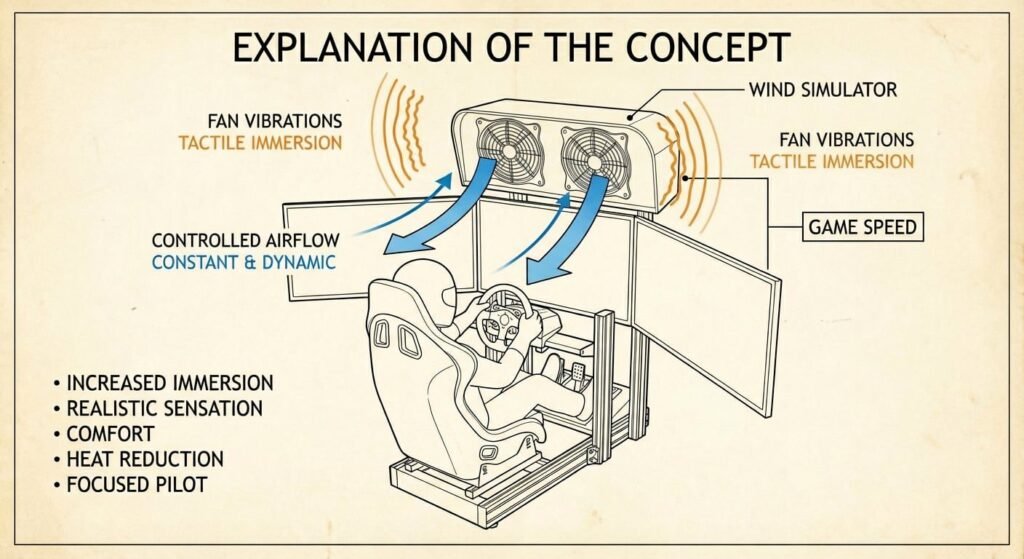
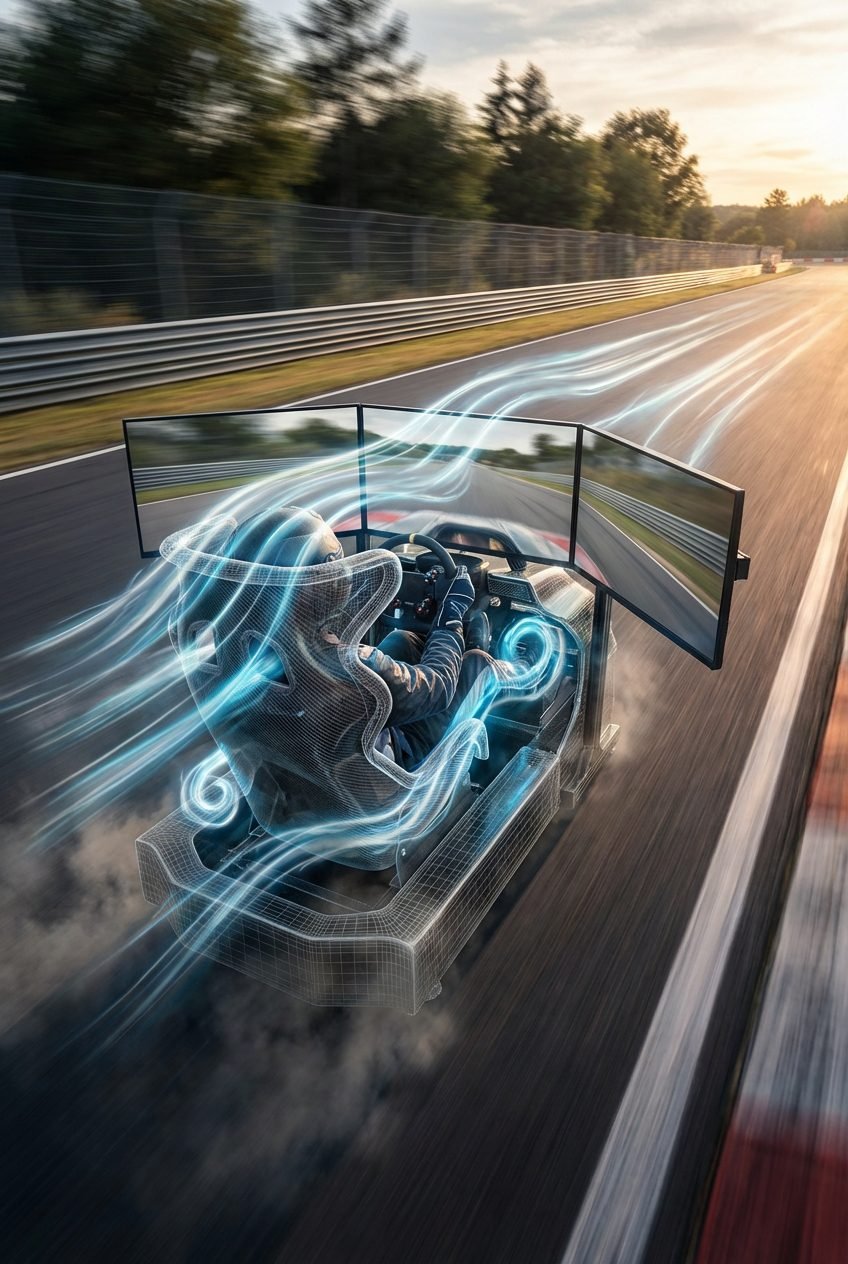
A wind simulator provides controlled airflow inside a racing simulator, either constant or dynamic. It improves immersion by recreating the feeling of air moving in a real car cockpit, while increasing comfort, reducing heat buildup, and helping the driver stay focused during long sessions. Beyond airflow, the motors can also generate subtle vibrations that add a tactile layer of immersion inside the cockpit. When airflow is linked to in-game speed, the increase in motor noise at higher speeds naturally reinforces the sensation of speed, much like in a real car.
-
►
Curved monitor, Triple screen, VR, but the air remains static.
-
►
Hydraulic pedals, Direct drive wheel, but no sense of speed rushing past you.
-
►
G Seat, Motion platform, but missing the physical connection to the track's atmosphere.
Heat builds fatigue. Don't let comfort limit your performance. Stay cool, focused, and consistent during those grueling long stints.
Frequently Asked Questions
What exactly is a wind simulator, and how is it different from a regular fan?
How does a wind simulator connect to my racing game?
Do I really feel a difference, or is it just a marketing gimmick?
Can a wind simulator help with VR motion sickness?
Is a wind simulator worth it if I don't do VR or long sessions?
DIY Arduino build, ready-made system, or just a PC fan?
How noisy is a wind simulator during a race?
Is it complicated to install?
Can I control the fan from my steering wheel buttons or use it outside games?
What is the Slipstream (or Draft) effect, and how does the wind simulator reproduce it?
In real racing, when you tuck behind another car, the lead vehicle punches a hole through the air and creates a low-pressure pocket. Our wind simulator translates this into a tactile cue: as you enter the draft, fan output drops; when you pull out into clean air to overtake, it rebuilds. The precision of this effect depends on what each title routes into the wind plugin via its telemetry API. Titles like Assetto Corsa Competizione, Automobilista 2, Le Mans Ultimate, Assetto Corsa and rFactor 2 feed real-time opponent-distance data into SimHub, which maps it to fan PWM. iRacing is currently the only one of the big titles where the active wind mapping uses your own ground speed only. Opponent-aware draft modulation isn't part of it yet.
| Simulator | Slipstream Effect | Description |
|---|---|---|
| Assetto Corsa Competizione | Full support | Precise drop in airflow when tucked behind GT cars |
| Automobilista 2 | Full support | Dynamic wake sensation, excellent for open-wheel and stock cars |
| Le Mans Ultimate | Full support | High-fidelity aero-wash, especially in multi-class traffic |
| Assetto Corsa | Full support | Highly reactive fans tied to live distance to the car ahead |
| rFactor 2 | Full support | Organic air-pressure changes via the sim's fluid dynamics |
| iRacing | Speed-based only | Airflow follows your own ground speed; opponent-aware draft modulation isn't part of the current wind mapping |
STOP SWEATING YOUR ENDURANCE RACES.
Literally and figuratively. Hour 4 of Le Mans is where most stints fall apart, not lap 1.
- ›Direct airflow keeps the driver cool, sweat stops blurring your vision
- ›Heart rate stays lower, cognitive performance holds through the night stints
- ›Built for 24h sessions, not 20-minute sprints
Trusted by sim racers running full endurance events.