
SimuRC Pro (Early Access)
29,00€
SimuRC Pro is a Windows software license to drive real RC cars from your sim racing rig over a long-range FPV link, with force feedback on any wheel, live input tuning, throttle safety and SimHub feedback. In active development. 1 license = 3 activations.
SimuRC Pro
Drive real RC cars from your sim rig, in FPV
Use your sim racing wheel, pedals and motion rig to drive real radio-controlled cars over a long-range FPV link. Force feedback on any wheel, a virtual gearbox, deep tuning, real safety, and guided setup, all in one software.
Windows software, in active development and shipped while it keeps improving.
Everything lives on Discord (free)
Development is ongoing and we ship updates regularly. Right now everything happens on our Discord: the latest software version, the free demo build, the documentation and the technical prerequisites for your rig. Always up to date, always in one place.
- Latest version + free demo (with built-in limitations)
- Latest documentation (English)
- Technical prerequisites for your setup
The app auto-updates after the first install. If Windows blocks the installer (unknown publisher), right-click the file → Properties → tick Unblock → Apply, then run it. We keep the license affordable instead of paying for a yearly code-signing certificate. Why →
Driving feel
Live tuning, FFB on any wheel
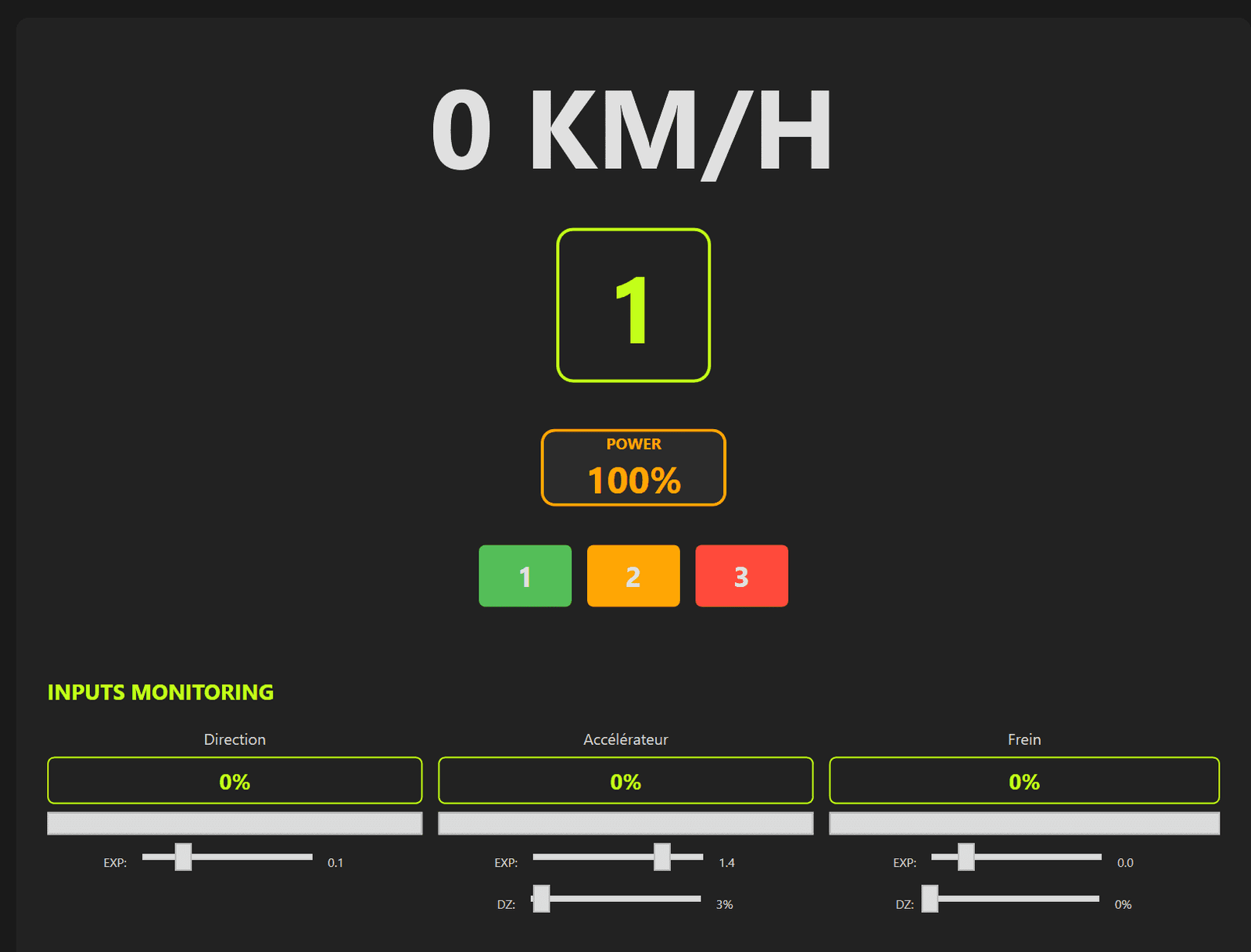
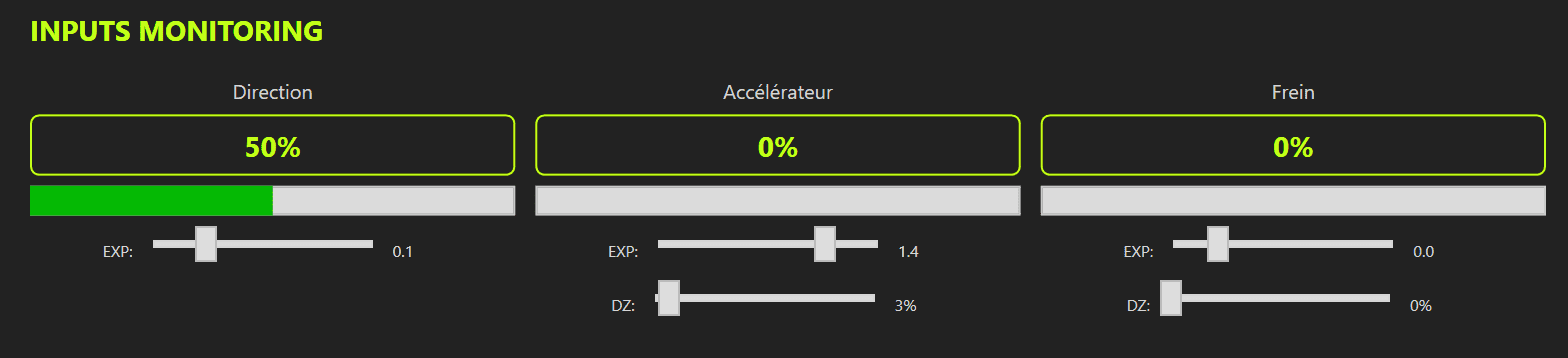
Force feedback on any wheel, no special hardware required. Tune expo curves, dead zones and trim per axis (steering, throttle, brake) live while you drive.
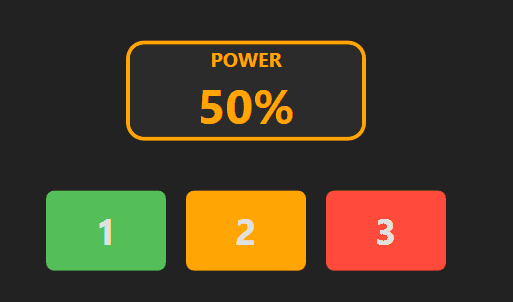
Progressive power = instant safety
Three power levels, Beginner 20% / Intermediate 50% / Expert 100%, so you learn without breaking anything and cap the throttle instantly when you need to.
Virtual gearbox + engine revs
A 6-speed virtual gearbox with paddle shift up / down and simulated RPM, for a real gearbox feel on a radio-controlled car.
Self-centering steering spring
A force-feedback centering spring brings the wheel back to center, for natural, precise steering of the car.
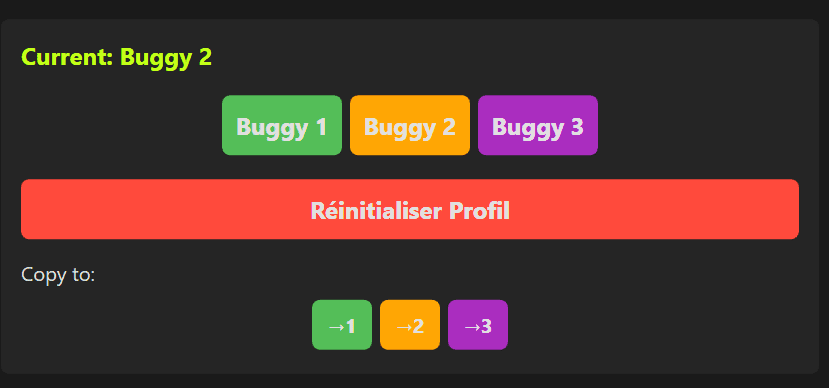
3 RC car profiles in memory
Store and recall calibration and tuning for three different RC cars. Switch in a click.
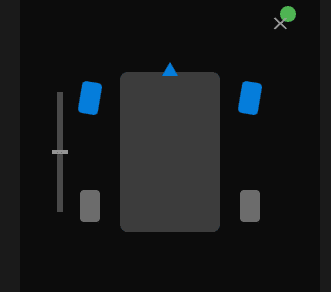
Live monitor overlay
A clean on-screen overlay shows exactly what the software sends to the car, in real time.
Safety first
Explicit arming (ARM)
The car only accepts throttle after you arm it on purpose with a physical button (long press 3 s). Any press while armed triggers an instant failsafe. Real safety for a powerful RC car.
Link watchdog and auto-recovery
A live link state, Live / Failsafe / Recovering. If the link drops or your wheel USB is unplugged, the throttle cuts to safe and the connection recovers automatically.
Guided calibration
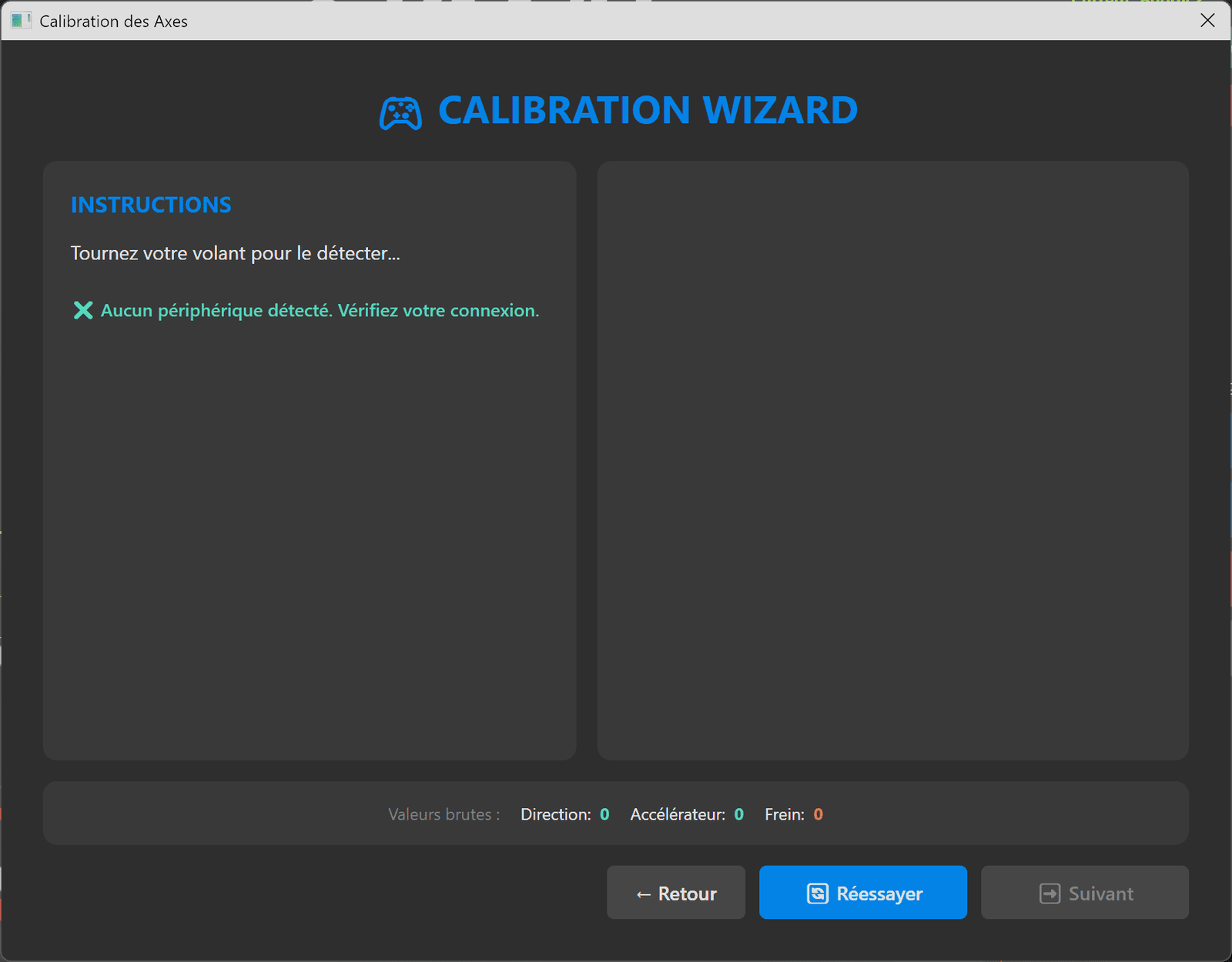
Input calibration wizard
A step-by-step wizard sets up your inputs: steering center / left / right, throttle and brake min / max, paddle shifters and auxiliary channels. No guesswork.
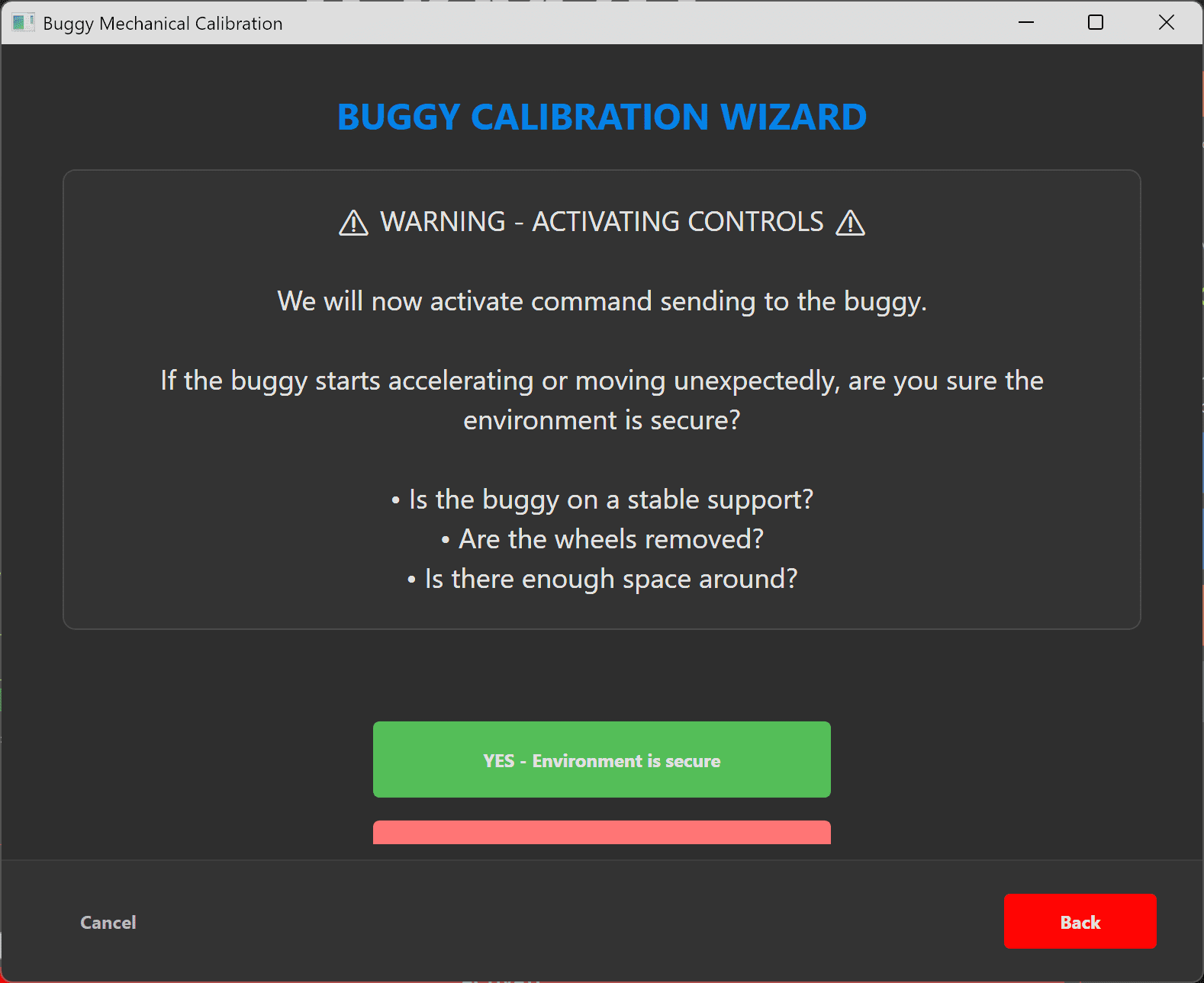
Per-buggy mechanical calibration
Set the real servo end points in microseconds for each car (steering center / min / max, throttle neutral / min / max). The software stays within your car’s mechanical limits and protects the hardware.
Simple connection
Connect through a single COM port. Flash the small bridge firmware once and you are ready.

Connectivity & hardware
Works with your gear
Any wheel and pedals, Xbox controllers (XInput), and native Moza support (HID). Use what you already own.
Auxiliary channels (AUX)
Map extra channels to drive accessories on the car, lights, gimbals or anything you wire to a spare channel.
Long-range ExpressLRS link
Commands reach the car over a modern ExpressLRS (ELRS) radio link, for low latency and long range.
Background mode
Control loops keep running when the window is not focused, so you can keep your FPV video on top while you drive.
Direct USB TX mode (advanced)
Connect an ELRS TX module directly over USB, with configurable baud rate, for advanced setups.
Many languages
The interface is translated into many languages out of the box.

Plug into SimHub
SimuRC Pro connects to SimHub, so your motion, shakers and effects can react to your driving. Paired with our Pro Series wind kit, you even get wind feedback as you drive.
Go further: feel the real car with TrueFeel
TrueFeel is a separate paid add-on for SimuRC Pro. It drives your force feedback and motion from the live telemetry of a real RC car instead of simulated physics. When the real car hits a bump, your wheel feels that bump.
Discover TrueFeelLicensing
You receive a personal license key with 3 activations: three PCs, or three moves if you upgrade your machine.
Buying a license also unlocks the demo limitations and directly supports continued development while the software keeps evolving.
What our customers say
SimuRC-Pro is more than software: it’s a hobby with a community that loves to share. One of our users ran it for six hours straight at an indoor RC track and filmed the whole session. Here’s what he had to say.
“The SimuRC software is freaking amazing. I ran it for about six hours at the track, and the only issue the whole time was me unplugging my own USB cable.”
A SimuRC-Pro user, filmed at an indoor RC track

Join the HSimRacing Garage Discord
A dedicated #simurc-pro forum where the community shares working profiles, 3D-printable mounts and accessories (STL files), install tutorials, WIP builds and showcase shots. Save days of trial and error by starting from what others have already tested on their own RC rigs.
Join the DiscordLove the project? You can also grab a supporter sticker pack. 100% optional, just a thank-you if you want to help it grow.