
HSR CobraLink
59,00€ 39,00€
HSR CobraLink — bring your Geko GS-Cobra / GS1 motion seat back to life.
HSR CobraLink
Bring your Geko GS-Cobra / GS1 motion seat back to life
The original GSeat Manager software has not been updated since 2024, leaving modern sims like Assetto Corsa Rally, AC Evo, and others unsupported. HSR CobraLink is a SimHub plugin that bridges any SimHub-supported game to your Cobra / GS1 seat by impersonating the Dirt Rally 2.0 protocol your seat already understands.
No firmware change. No hardware modification. Install the plugin, configure GSeat Manager once, and drive.
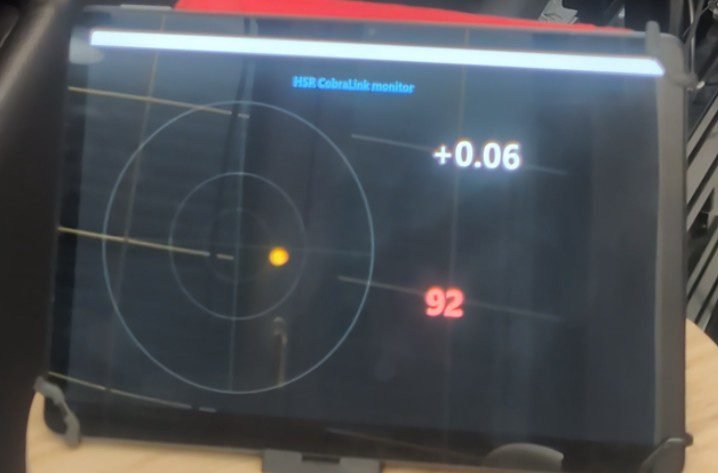
See it in action
Assetto Corsa EVO
What you get today
Per-game profiles
Auto-saved and recalled on game switch. Built-in tuned presets for Assetto Corsa Rally and Evo. Import / Export .cobralink.json files to share tunings with other Cobra owners on our Discord #cobralink forum.
Live monitoring (60 Hz)
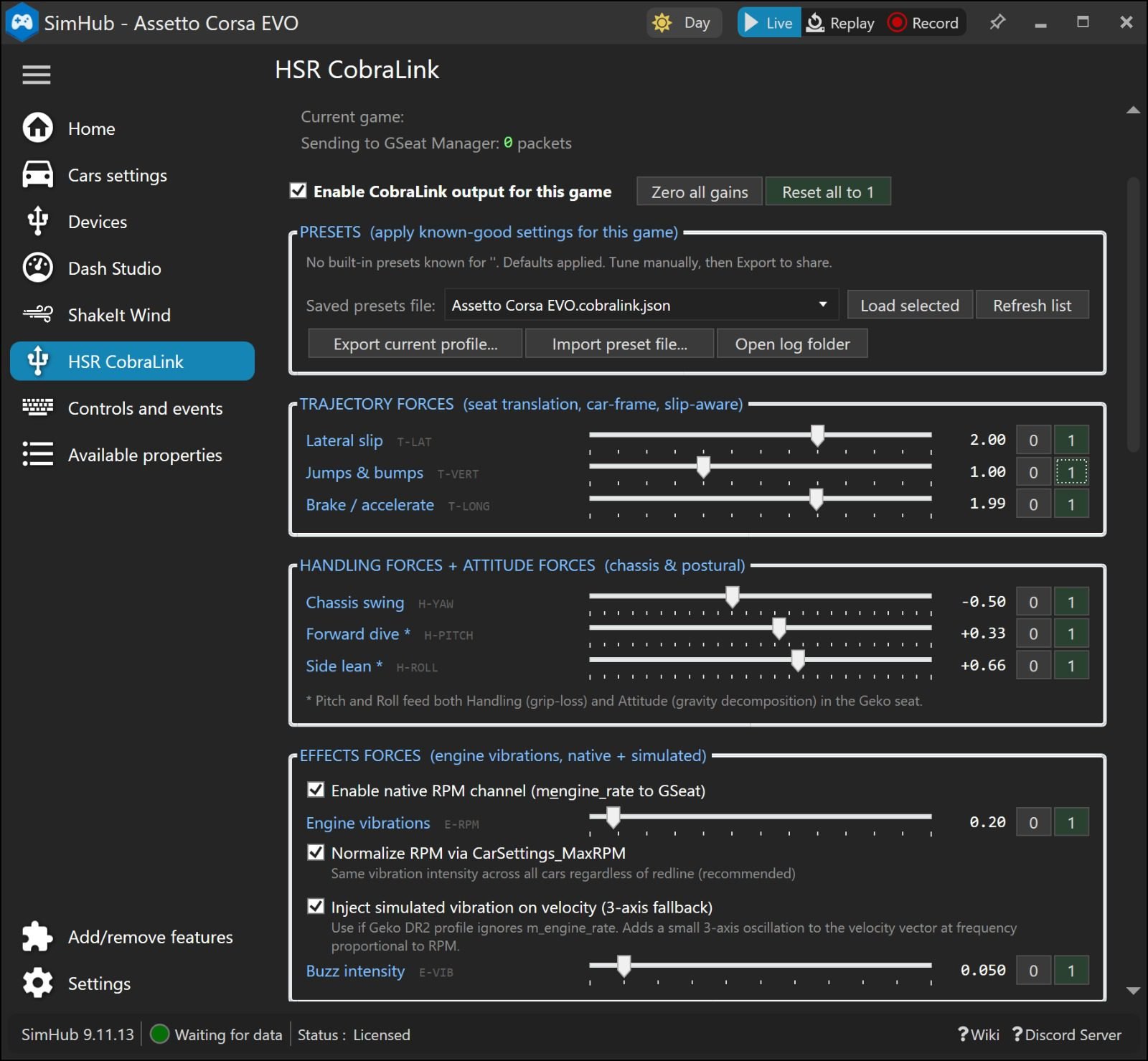
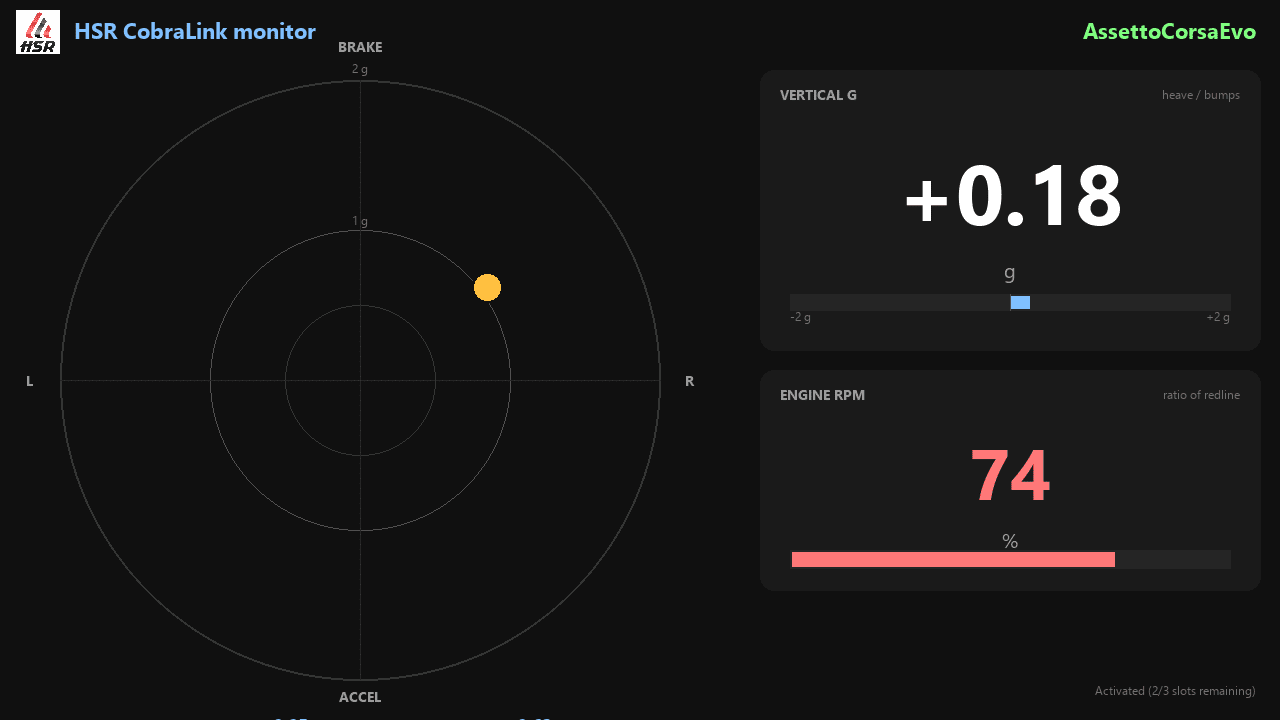
Watch inputs (what SimHub sends) and outputs (what reaches the seat) in real time, with packet counter and connection health visible at a glance.
Per-axis gain control
Independent gains for Trajectory (Lateral, Vertical, Longitudinal), Handling (Yaw, Pitch, Roll), and Effects (Engine vibrations). Bind wheel buttons to tune live.
Engine vibration modes
Native RPM channel for profiles that listen to it, plus a synthesized fallback when the seat profile ignores RPM. Two strategies, one toggle.
Watchdog safety
If the telemetry feed freezes for any reason, the seat returns to neutral automatically. No surprise lockouts during a stint.
CSV telemetry log
Record a session for advanced tuning, debugging, or to send a snippet to support. Reverse-gear handling and world-frame slip integration included.
Compatible games
Anything SimHub supports. The plugin auto-detects the active game; HSR ships built-in presets for the 2 sims below, the community has already added more on their own, and the rest works through SimHub and is yours to tune.
Cyan = HSR built-in tuned preset. Violet = community-added on our Discord without our involvement (the proof the plugin is genuinely open to community work). Tune your own for any other sim, or import a community preset.
Requirements
- OS: Windows 10 or Windows 11
- SimHub: 9.10.7 or newer (licensed for full-rate transmission)
- Seat: Geko Systems GS-Cobra or GS1
- GSeat Manager: 2.1.0 or compatible
Licensing
One license covers 3 concurrent activations: main PC + laptop + spare, or sequential migrations.
Deactivate a slot at any time from the plugin UI to free it for another machine. Key is personal, non-transferable.
Will it clash with your existing GSeat Manager setup?
No. At any moment GSeat Manager listens to a single source profile:
- Set it to DiRT Rally 2.0 → CobraLink feeds it the forces of whatever game you’re running through SimHub.
- Set it to another profile (e.g. DCS natively) → GSeat Manager reads that game directly, without CobraLink.
The two never drive the same profile at the same time — no double feed, no possible conflict.
Integrate with your SimHub dashboards
Drop-in dashboard included. Import the bundled HSR_CobraLink_Dashboards.zip into SimHub DashStudio and you have a ready-made monitor.
- In SimHub, open DashStudio (left menu).
- Click Import (top toolbar) and select the dashboard file (download link in the hero section above).
- The dashboard appears in your list as “HSR CobraLink monitor”.
Want to build your own? Every CobraLink runtime value is exposed as a standard SimHub property, refreshed at the game’s data rate (~30 properties total):
Drop any value into a DashStudio dashboard, the SimHub mobile / web dashboard, a Stream Deck button, an Arduino project, or any third-party SimHub integration. No coding required, just pick the CobraLink.* property in your dashboard editor.
Quickstart (5 minutes)
1Install
Run the CobraLink installer. It auto-detects your SimHub folder and copies plugin files. If SimHub is running, close it first. Don’t change the install folder, otherwise SimHub won’t find the plugin.
2Enable in SimHub
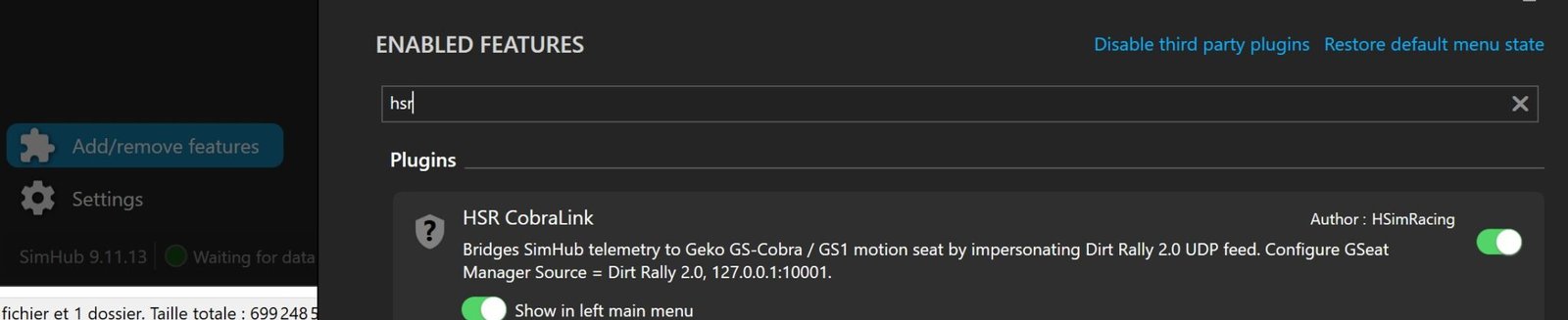
Open SimHub. Add / remove features. Find HSR CobraLink in the list and toggle it ON. (See screenshot in the gallery at the top of the page.)
3Activate license
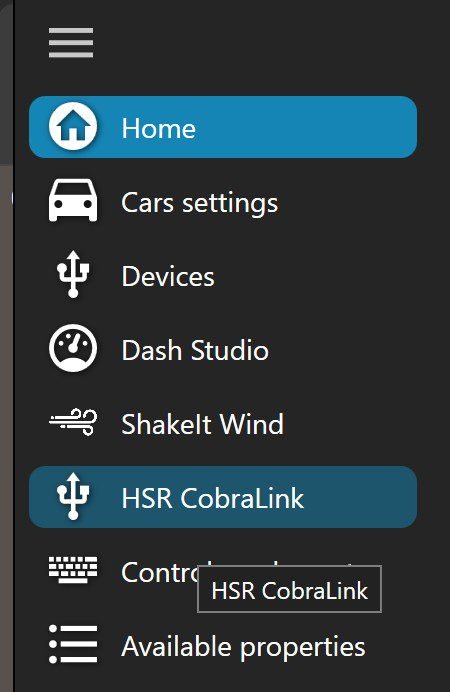
In SimHub’s left menu: Additional plugins → HSR CobraLink. Paste your key (format CL-XXXXX-XXXXX-XXXXX-XXXXX) in the LICENSE section and click Activate. Status should turn green.
4Configure GSeat Manager
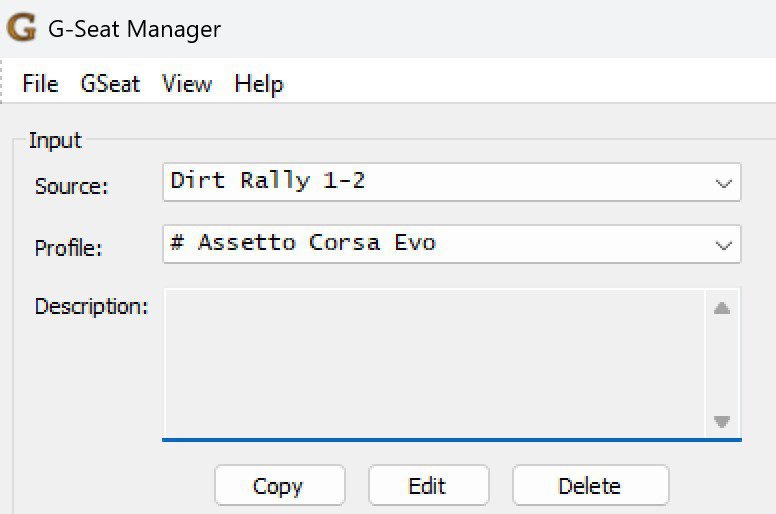
Source: set to Dirt Rally 1-2 (one-time, leave it there forever).
Profile: load your favorite GSeat profile for the current game (AC Rally, AC Evo, etc.). GSeat Manager still needs to be tuned by game and doesn’t switch profiles automatically. Click Start.
5Launch & drive
Start any SimHub-supported game (AC Rally, AC Evo, ACC, iRacing, F1 series, etc.). CobraLink auto-detects it, loads the matching tuned preset when one is built-in (AC Rally, AC Evo, more added over time), and pipes motion to your seat through GSeat Manager.
6Tune to taste
Adjust per-axis gains while driving. Bind wheel buttons in KEY BINDINGS to tweak gains live without alt-tabbing. Save your preset, export it, share it on Discord.
What’s coming next
The core feature set is stable and field-tested. Future improvements depend on adoption. If the product finds its audience, here is what’s planned (in priority order):
- →Multi-language full UI — French and German on every panel (tooltips already trilingual).
- →Damping & smoothing controls — configurable low-pass filter on world velocity for noisier sims.
- →Calibration assistant — guided wizard that observes you driving for 30 seconds and suggests tuned gains automatically.
Troubleshooting
- Seat doesn’t move: check that GSeat Manager is in Start state and shows Listening in Source Messages. Verify that CobraLink panel shows Sending to GSeat Manager: N packets with N increasing.
- Forces feel weird at rest: make sure Orientation values are in degrees is ticked in INPUT UNITS (required for AC Rally, AC Evo and most modern sims).
- No vibrations: enable Inject simulated vibration on velocity in EFFECTS FORCES if your GSeat profile doesn’t react to the native RPM channel.
Support
Reach out via our contact form. We’ll reply by email so we can exchange files.
Hitting an issue? Toggle TELEMETRY LOG in the plugin, drive a minute to reproduce the problem, stop the log, and keep the CSV file on hand. We’ll ask for it once we’re in touch over email.

Join the HSimRacing Garage Discord
A dedicated #cobralink forum to share your .cobralink.json profiles per game (AC Rally, AC Evo, iRacing, Le Mans Ultimate, rFactor 2, DiRT Rally 2.0 and more), plus a chat channel to discuss tunings and ask questions to other GS-Cobra / GS1 owners. Start from a profile someone already dialed in for your sim, then refine.